 7b1dee4936
* MM-33818: Add replica lag metric

We add two new metrics for monitoring replica lag:
- Monitor absolute lag based on binlog distance/transaction queue length.
- Monitor time taken for the replica to catch up.

To achieve this, we add a config setting to run a user defined SQL query
on the database.

We need to specify a separate datasource field as part of the config because
in some databases, querying the replica lag value requires elevated credentials
which are not needed for usual running of the application, and can even be a security risk.

Arguably, a peculiar part of the design is the requirement of the query output to be in a (node, value)
format. But since from the application, the SQL query is a black box and the user can set any query
they want, we cannot, in any way templatize this.

And as an extra note, freno also does it in a similar way.

The last bit is because we need to have a separate datasources, now we consume one extra connection
rather than sharing it with the pool. This is an unfortunate result of the design, and while one extra
connection doesn't make much of a difference in a single-tenant scenario. It does make so, in a multi-tenant scenario.
But in a multi-tenant scenario, the expectation would already be to use a connection pool. So this
is not a big concern.

https://mattermost.atlassian.net/browse/MM-33818

```release-note
Two new gauge metrics were added:
mattermost_db_replica_lag_abs and mattermost_db_replica_lag_time, both
containing a label of "node", signifying which db host is the metric from.

These metrics signify the replica lag in absolute terms and in the time dimension
capturing the whole picture of replica lag.

To use these metrics, a separate config section ReplicaLagSettings was added
under SqlSettings. This is an array of maps which contain three keys: DataSource,
QueryAbsoluteLag, and QueryTimeLag. Each map entry is for a single replica instance.

DataSource contains the DB credentials to connect to the replica instance.

QueryAbsoluteLag is a plain SQL query that must return a single row of which the first column
must be the node value of the Prometheus metric, and the second column must be the value of the lag.

QueryTimeLag is the same as above, but used to measure the time lag.

As an example, for AWS Aurora instances, the QueryAbsoluteLag can be:

select server_id, highest_lsn_rcvd-durable_lsn as bindiff from aurora_global_db_instance_status() where server_id=<>

and QueryTimeLag can be:

select server_id, visibility_lag_in_msec from aurora_global_db_instance_status() where server_id=<>

For MySQL Group Replication, the absolute lag can be measured from the number of pending transactions
in the applier queue:

select member_id, count_transaction_remote_in_applier_queue FROM performance_schema.replication_group_member_stats where member_id=<>

Overall, what query to choose is left to the administrator, and depending on the database and need, an appropriate
query can be chosen.
```

* Trigger CI

* Fix tests

* address review comments

* Remove t.Parallel

It was spawning too many connections,
and overloading the docker container.

Co-authored-by: Mattermod <mattermod@users.noreply.github.com>

Mattermost is an open source, private cloud, Slack-alternative from https://mattermost.com.
It's written in Golang and React and runs as a single Linux binary with MySQL or PostgreSQL. Every month on the 16th a new compiled version is released under an MIT license.
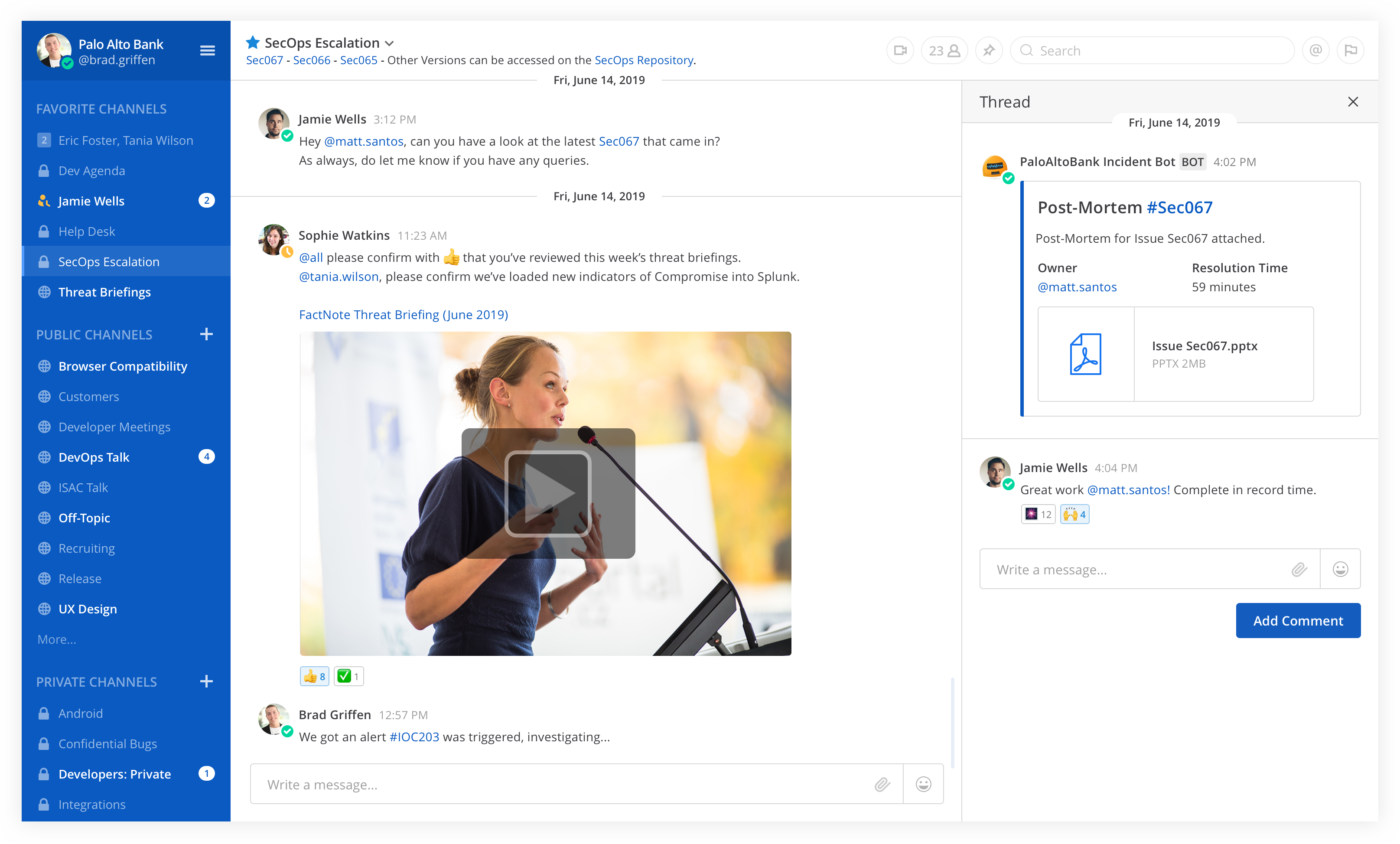
Table of Contents
- Try out Mattermost
- Deploy on Heroku
- Deploy on a Cloud Platform via Bitnami
- Install on Your Own Machine
- Native Mobile and Desktop Apps
- Get Security Bulletins
- Get Involved
- Learn More
- Get the Latest News
- Contributing
Try out Mattermost
- Join the Mattermost Contributor's server to join community discussions about contributions, development and more
- Get started with Mattermost Cloud to try out Mattermost
Deploy on Heroku

Note: Heroku preview does not include email or persistent storage
Deploy on a Cloud Platform via Bitnami
Auto-deploy Mattermost to Amazon Web Services, Azure, Google Cloud Platform, or Oracle Cloud Platform via Bitnami.
Install on Your Own Machine
- One-line Docker Preview
- Developer Machine Setup
- Production Install Guides using Linux Binary
- Production Docker Install
Native Mobile and Desktop Apps
In addition to the web interface, you can also download Mattermost clients for Android, iOS, Windows PC, Mac OSX, and Linux.


Get Security Bulletins
Receive notifications of critical security updates. The sophistication of online attackers is perpetually increasing. If you are deploying Mattermost it is highly recommended you subscribe to the Mattermost Security Bulletin mailing list for updates on critical security releases.
Get Involved
- Contribute Code
- Find "Help Wanted" projects
- Join Developer Discussion on a Mattermost Server for contributors
- File Bugs
- Share Feature Ideas
- Get Troubleshooting Help
- Help translate Mattermost
Learn More
- API Options - webhooks, slash commands, drivers and web service
- See who's using Mattermost
- Browse over 700 Mattermost integrations
License
See the LICENSE file for license rights and limitations.
Get the Latest News
- Twitter - Follow Mattermost.
- Blog - Get the latest updates from the Mattermost blog.
- Facebook - Follow Mattermost.
- LinkedIn - Follow Mattermost.
- Email - Subscribe to our newsletter (1 or 2 per month).
- Mattermost - Join the ~contributors channel on the Mattermost Community Server.
- IRC - Join the #matterbridge channel on Freenode (thanks to matterircd).
Contributing
Please see CONTRIBUTING.md.
Any other questions, mail us at info@mattermost.com. We’d love to meet you!