 3f01129ddf
* MM-37165: Fix improper plugin shutdown

This was caught from a race test failure. While the failure manifested due to a log being
written from a test after the test exited, the real reason was hidden further deeper.

What was happening is that the server would always listen for plugin requests in a
separate goroutine via `g.muxBroker.AcceptAndServe` in the `OnActivate` hook. But the
plugin shutdown process would just close the plugin connections and move on, leading
to the classic case of improperly shut down goroutines.

When this happened, an opportunity opens up in a way that the server
would still be executing a request whereas the main goroutine and therefore the parent
test has already finished. This would lead to an error like

```
{"level":"error","ts":1626451258.4141135,"caller":"mlog/sugar.go:25","msg":"pluginAPI scheduleOnce poller encountered an error but is still polling","plugin_id":"com.mattermost.plugin-incident-management","error":"ListPluginKeys: Unable to list all the plugin keys., failed to get PluginKeyValues with pluginId=com.mattermost.plugin-incident-management: sql: database is closed
```

And now, this finally calls `mlog.Error`, which finally triggers our race condition :)

To fix this, we use some basic synchronization via waitgroups and just wait for it
to finish after closing the plugin process.

https://mattermost.atlassian.net/browse/MM-37165

```release-note
NONE
```

* gofmt

```release-note
NONE
```

* split waitgroup additions

```release-note
NONE
```

Mattermost is an open source, private cloud, Slack-alternative from https://mattermost.com.
It's written in Golang and React and runs as a single Linux binary with MySQL or PostgreSQL. Every month on the 16th a new compiled version is released under an MIT license.
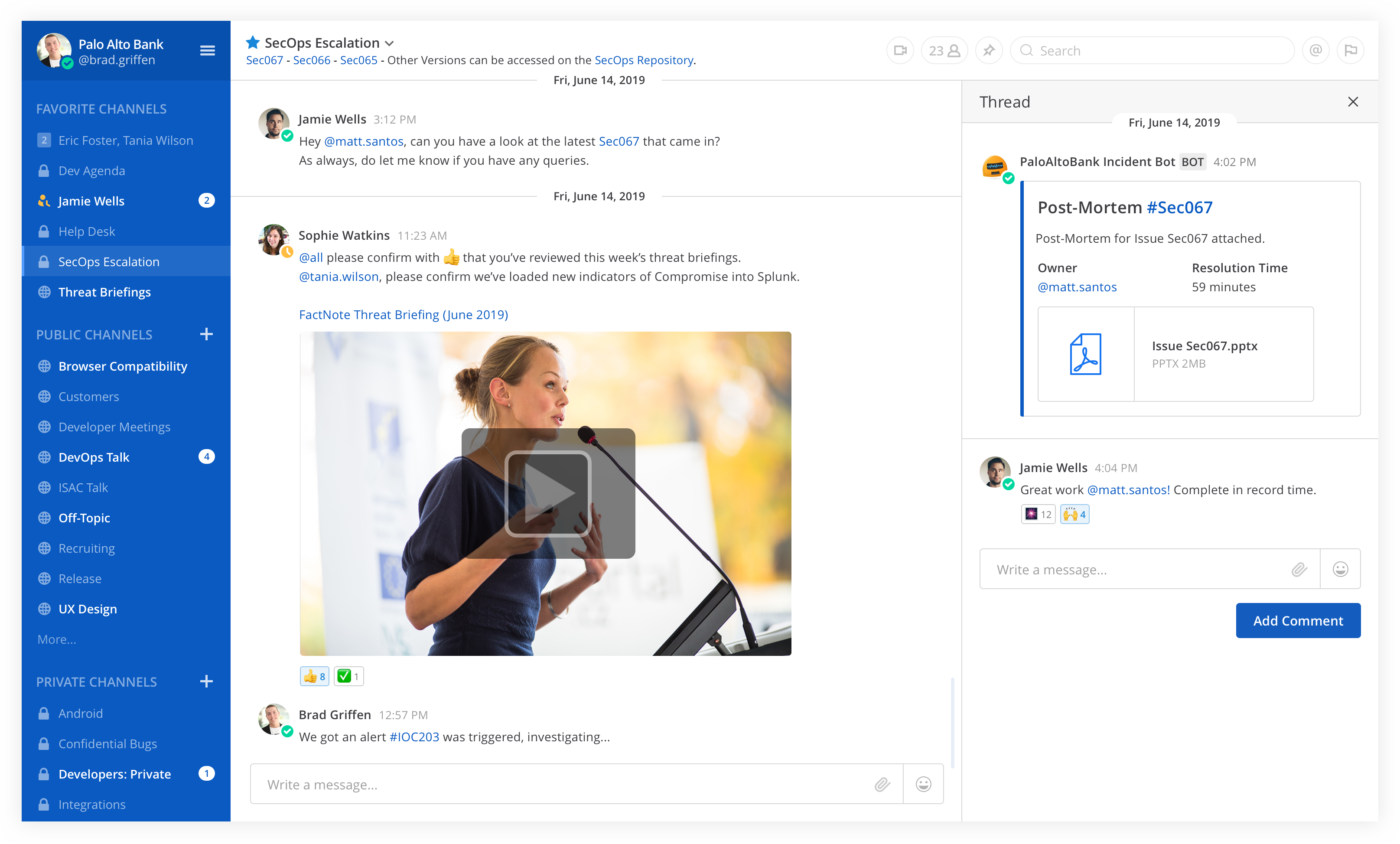
Table of Contents
- Try out Mattermost
- Deploy on Heroku
- Deploy on a Cloud Platform via Bitnami
- Install on Your Own Machine
- Native Mobile and Desktop Apps
- Get Security Bulletins
- Get Involved
- Learn More
- Get the Latest News
- Contributing
Try out Mattermost
- Join the Mattermost Contributor's server to join community discussions about contributions, development and more
- Get started with Mattermost Cloud to try out Mattermost
Deploy on Heroku

Note: Heroku preview does not include email or persistent storage
Deploy on a Cloud Platform via Bitnami
Auto-deploy Mattermost to Amazon Web Services, Azure, Google Cloud Platform, or Oracle Cloud Platform via Bitnami.
Install on Your Own Machine
- One-line Docker Preview
- Developer Machine Setup
- Production Install Guides using Linux Binary
- Production Docker Install
Native Mobile and Desktop Apps
In addition to the web interface, you can also download Mattermost clients for Android, iOS, Windows PC, Mac OSX, and Linux.


Get Security Bulletins
Receive notifications of critical security updates. The sophistication of online attackers is perpetually increasing. If you are deploying Mattermost it is highly recommended you subscribe to the Mattermost Security Bulletin mailing list for updates on critical security releases.
Get Involved
- Contribute Code
- Find "Help Wanted" projects
- Join Developer Discussion on a Mattermost Server for contributors
- File Bugs
- Share Feature Ideas
- Get Troubleshooting Help
- Help translate Mattermost
Learn More
- API Options - webhooks, slash commands, drivers and web service
- See who's using Mattermost
- Browse over 700 Mattermost integrations
License
See the LICENSE file for license rights and limitations.
Get the Latest News
- Twitter - Follow Mattermost.
- Blog - Get the latest updates from the Mattermost blog.
- Facebook - Follow Mattermost.
- LinkedIn - Follow Mattermost.
- Email - Subscribe to our newsletter (1 or 2 per month).
- Mattermost - Join the ~contributors channel on the Mattermost Community Server.
- IRC - Join the #matterbridge channel on Freenode (thanks to matterircd).
Contributing
Please see CONTRIBUTING.md.
Any other questions, mail us at info@mattermost.com. We’d love to meet you!